
Kirby Air Riders: Ultimate Pro Control & Settings Guide
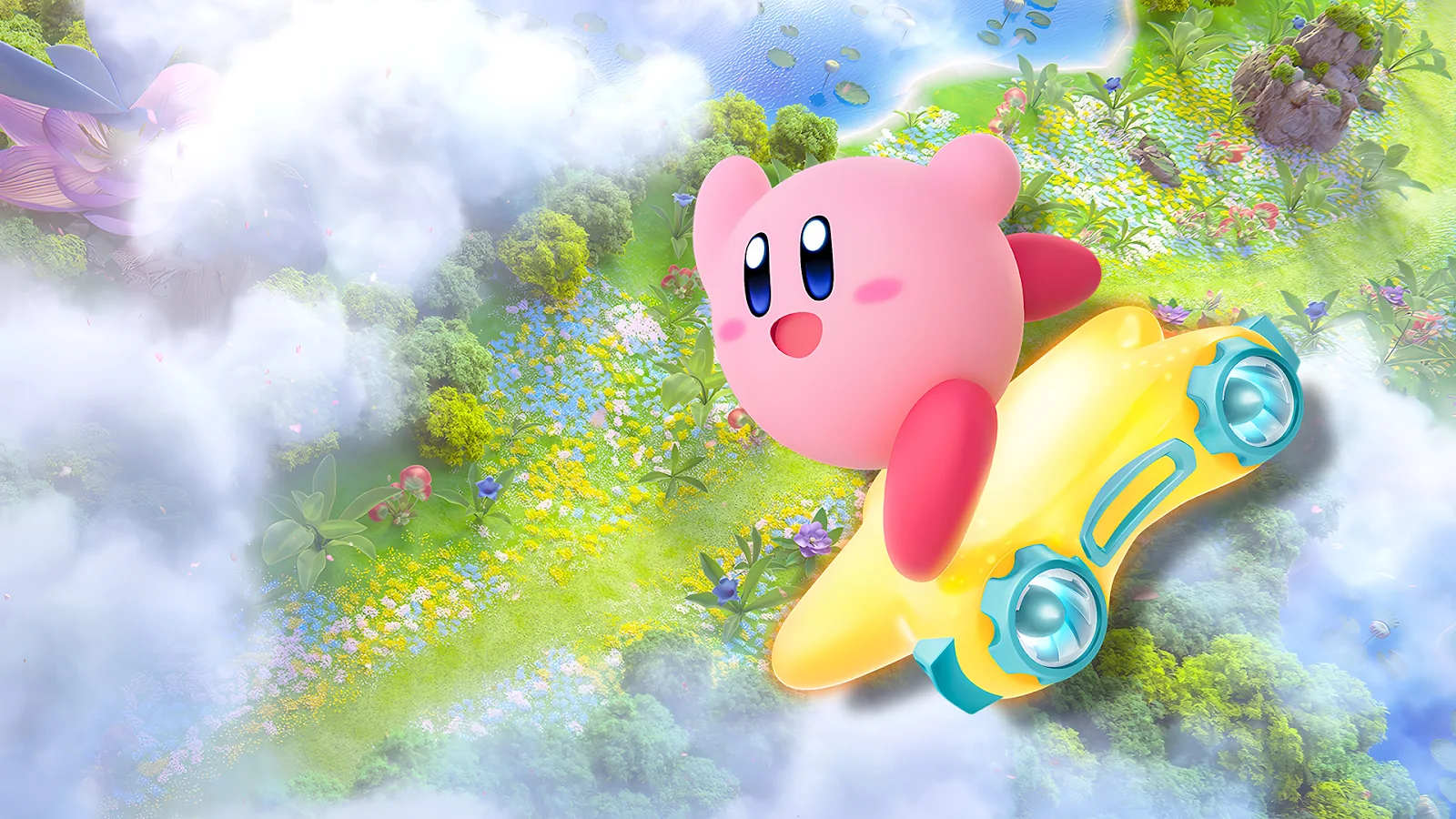
For many, Kirby Air Riders may appear deceptively simple with its two-button control scheme, yet seasoned veterans and competitive players know the depth beneath the surface. While the game handles automatic acceleration, mastering steering and strategic drifting is paramount to victory on the track and in City Trials. Unlocking peak performance hinges on precise control configurations, transforming a casual ride into a relentless pursuit of the checkered flag. This authoritative guide reveals the essential control layouts and advanced tweaks every Kirby Air Riders enthusiast needs to dominate.
Beyond Simple: Understanding Kirby Air Riders' Core Mechanics
Forget complex throttle management; Kirby Air Riders streamlines the experience by automating acceleration. This crucial design choice shifts player focus entirely to steering, timing boosts, and executing flawless drifts. The subtle nuances of your input, particularly around braking and boosting, are the deciding factors that separate contenders from also-rans.
Controller Breakdown: Pro, GameCube, and Joy-Con Insights
The core mechanics remain consistent across all supported controllers, but button assignments vary, influencing your gameplay approach. Key inputs revolve around the Left Stick for steering, quick spins, rail switching, nosedives, and ascents. Essential actions like braking, inhaling, copying abilities, and using items are mapped to ZL, ZR, X, B, and A. Pressing and holding these buttons also activates Boost Charge and rapid descent. Reverse functionality is achieved by combining ZL, ZR, X, B, or A with L-Stick Down, while L, R, or Y buttons handle machine swaps, special ability activation, and dismounting.
- Horizontal Joy-Cons: Ideal for casual play, these configurations swap brake/charge functions to SL/SR/ZL.
- GameCube Controller: Favored by competitive players for its superior analog resistance, which prevents oversteering on challenging rides like the Wheelie Scooter. Its L, R, Y, A, and X buttons are designated for charge actions, facilitating precision.
- Pro Controller: The most widely used option, offering ergonomic advantages for easily hitting charge inputs with the thumb without fumbling during critical drifts.
Unlocking Peak Performance: Optimal Settings & Tweaks
To truly elevate your Kirby Air Riders game, implementing specific setting adjustments is imperative. These meticulously refined options offer a significant competitive edge:
- Boost Charge to "Hold": This critical adjustment allows players to feather their releases, enabling seamless drift chaining and superior control over micro-boosts.
- Quick Spin Sensitivity to "Hard": Prevent accidental spins on sharp turns by setting this sensitivity higher, ensuring intentional maneuvers. For those experiencing thumb fatigue, controller shake can serve as an alternative input for quick spins.
- Boost Charge Remapping: For enhanced reaction speed, consider remapping Boost Charge to ZL on the Pro Controller or L on the GameCube Controller, leveraging your index finger for faster inputs.
- Top Ride Mode – Control Preference:
- Free Control: Recommended for newcomers, offering direct tilt movement for a natural, intuitive learning experience.
- Steer Control: The go-to for competitive play, this mode allows the rider to rotate independently, enabling razor-sharp turns and precision corner-cutting.
- Disable Motion/Shake Controls: Unless you specifically intend to use controller shake for quick spins, turning off all motion controls is advised to eliminate unintentional inputs.
Advanced Techniques for Dominating the Track
Beyond settings, mastering specific techniques will push you to the top of the leaderboards:
- Brake Pumping (Micro-Boosts): Tapping the Boost Charge button during turns provides invaluable micro-boosts, a technique that is most effectively executed using the Pro Layout due to its optimal button spacing.
- Nosedive Landings: Practice smooth nosedive landings parallel to the ground off ramps to maintain momentum and optimize your airtime.
While various configurations cater to different playstyles, the Pro Layout stands out for its effectiveness in brake pumping for micro-boosts, making it the primary recommendation for those aiming to consistently top leaderboards and secure victory in every race. Master these crucial adjustments, and you'll transform your Kirby Air Riders experience from casual fun to competitive mastery.