
How to Use Mouse Controls in Pokemon Pokopia on Nintendo Switch 2 (2026)
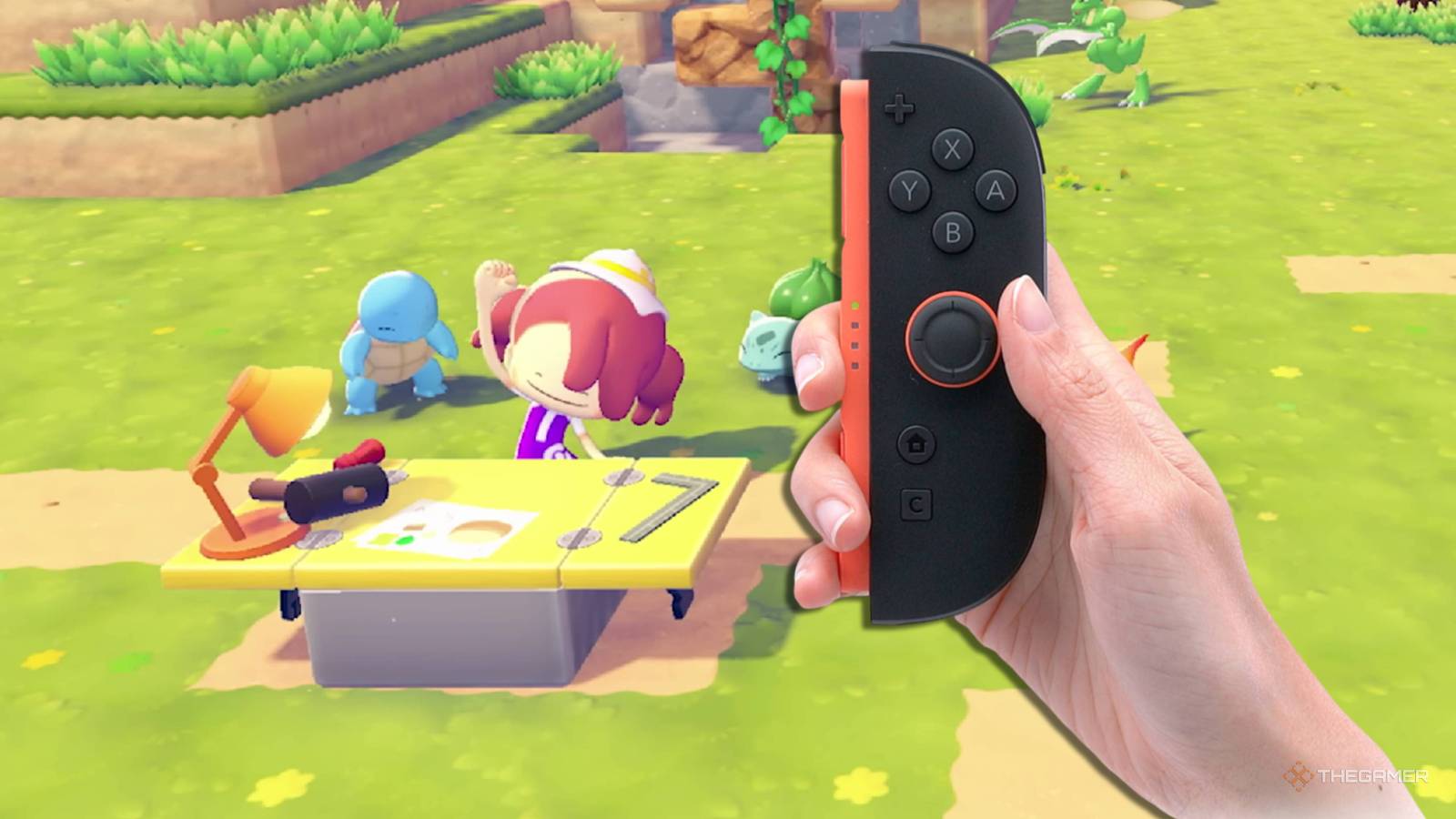
- Game: Pokemon Pokopia
- Platform: Nintendo Switch 2
- Release Date: March 5, 2026
- Genre: Simulation
Pokemon Pokopia, the latest simulation title for the Nintendo Switch 2, has gained significant attention since its March 5, 2026 release, though many players are unaware that the console's unique mouse controls can drastically improve efficiency. While titles like Baldur's Gate 3 and the complex mechanics of BG3 have set high expectations for cross-platform play, Larian Studios and other developers have often looked to the Nintendo Switch 2 hardware to see how unique inputs can be utilized. Our coverage at In Game News confirms that players can bypass the time-consuming nature of certain in-game tasks by utilizing the console's built-in mouse functionality, a feature that was heavily highlighted during the initial Nintendo Direct showcase for the hardware.
Understanding Nintendo Switch 2 Mouse Controls
The Nintendo Switch 2 introduced a hardware gimmick where the Joy-Con controllers function as a computer mouse when placed connector-down on a flat surface. While this feature saw limited adoption in early titles like Metroid Prime 4 and the niche release Drag x Drive, its implementation in Pokemon Pokopia has proven to be a major quality-of-life improvement for the simulation genre. Many players who are accustomed to traditional controller layouts have overlooked this input method, despite its ability to turn tedious manual labor into a point-and-click experience.
For those looking to optimize their gameplay, the mouse controls allow for precise cursor movement across the screen. This is particularly useful in Pokemon Pokopia for tasks that require repetitive placement of objects or targeted interactions with the environment. By transitioning from thumbstick navigation to the mouse-like input of the Joy-Cons, players can manage their inventory and construction projects with significantly higher speed.
How to Speed Up Tasks in Pokemon Pokopia 2026
The primary benefit of using these controls is the reduction of time spent on mundane tasks. In our analysis of player reports, we have identified several specific use cases where this input method excels. For example, users can direct their Ditto-human companions to place building materials with surgical precision. By simply pointing the cursor at specific grid coordinates, players can construct structures in a fraction of the time required by standard navigation.
Efficient Resource Management and Combat
Beyond construction, the mouse controls facilitate more efficient interaction with the game's combat and gathering mechanics. One notable strategy involves the Rock Smash move, taught by Hitmonchan. Players have discovered that by using the mouse cursor, they can target blocks up to four levels high without moving their character. This allows for rapid clearing of obstacles, as the player can simply click on each block in sequence, bypassing the need for constant repositioning.
- Construction: Use the cursor to place bricks rapidly for fast building.
- Resource Gathering: Target blocks for Rock Smash from a stationary position.
- Tile Placement: Speed up terrain modification, such as laying 300 tiles in approximately four minutes.
For more updates on the latest hardware features, check out our Nintendo coverage. We have also been tracking how various developers are adapting their workflows for the new hardware, similar to how Larian Studios approached our RPG news archives regarding complex control schemes.
Optimizing Your Pokemon Pokopia Switch 2 Control Settings
To ensure you are getting the most out of your experience, it is important to understand the best Pokemon Pokopia Switch 2 control settings. While the game defaults to standard controller inputs, enabling the mouse functionality requires no additional software or complex menu diving. Simply placing the Joy-Cons on a surface while the game is active will automatically register the input. Players should ensure their surface is flat and provides enough friction for the sensors to track movement accurately.
The community has been sharing various demonstrations of these controls, with content creators like DeanDobbs and Joe Merrick from Serebii highlighting the drastic difference in speed for repetitive tasks. These demonstrations serve as a guide for players who may have forgotten that the Switch 2's primary hardware differentiator is its ability to mimic desktop-style interactions. As the game continues to grow, it is likely that more players will adopt these methods to optimize their resource gathering and base building.
Frequently Asked Questions
As the player base continues to expand, we have compiled the most common inquiries regarding the game's mechanics. These answers provide direct information based on our current findings.
How do I use mouse controls in Pokemon Pokopia on Switch 2?
You can activate mouse controls by placing the Nintendo Switch 2 Joy-Cons connector-down on a flat surface, which allows them to function as a mouse for compatible titles.
Does Pokemon Pokopia support mouse controls for tasks?
Yes, Pokemon Pokopia features native support for the Nintendo Switch 2 mouse control gimmick, allowing players to perform building and gathering tasks more efficiently.
How do I speed up tasks in Pokemon Pokopia 2026?
Players can significantly speed up repetitive tasks like laying tiles or placing bricks by utilizing the Nintendo Switch 2 mouse controls to point and click instead of using standard thumbstick navigation.