
Android 17 Beta Adds System-Wide Controller Remapping in 2026
- Operating System: Android 17 Beta
- Developer: Google
- Key Feature: System-wide controller remapping
- Platform Availability: Android mobile devices
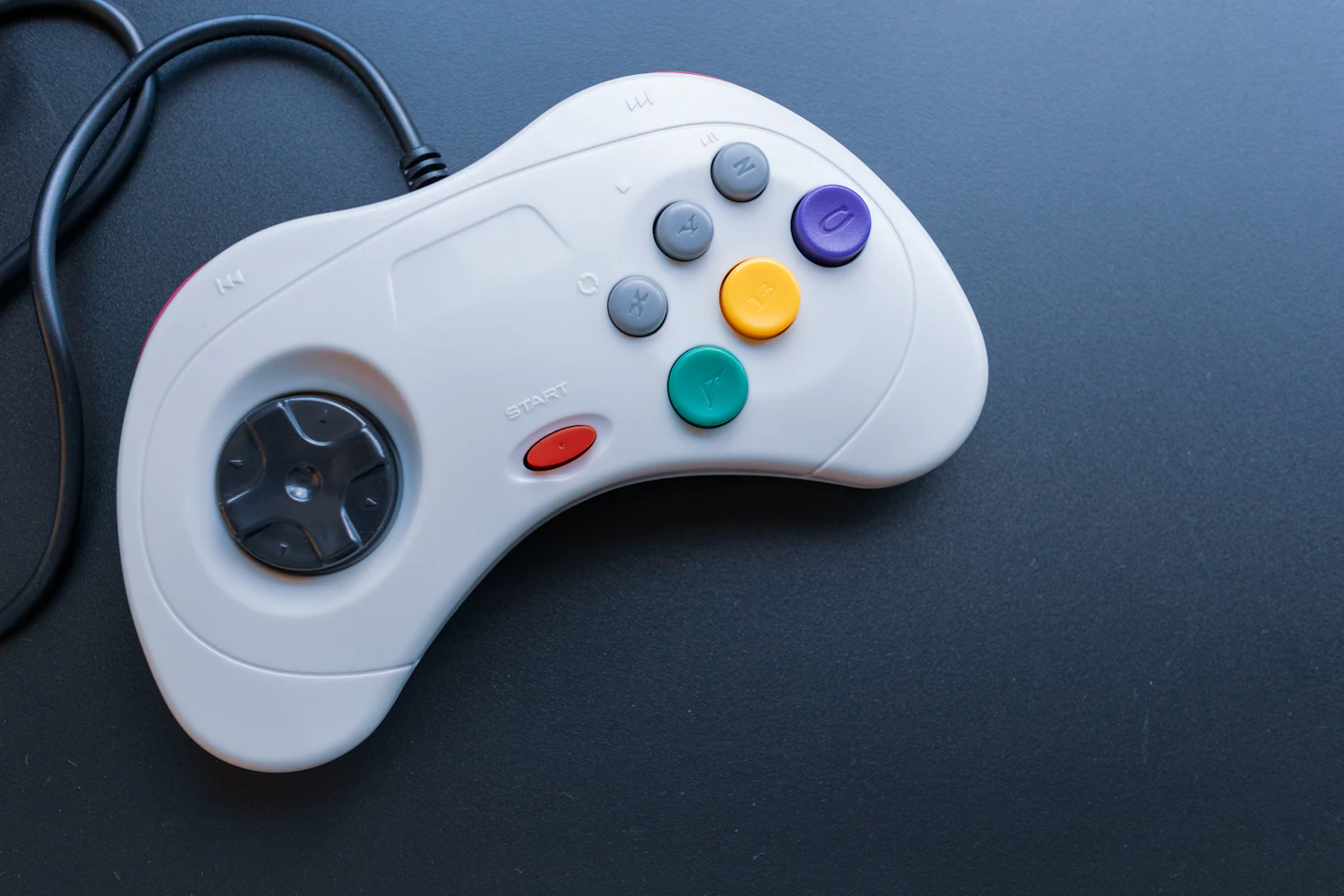
The Android 17 Beta has introduced a native system-wide controller remapping feature, providing users with the ability to customize input schemes across their entire mobile experience. This update arrives as a direct response to the growing demand for better peripheral support, aiming to bridge the gap between mobile gaming and the refined control schemes found on dedicated handheld hardware like the Steam Deck OLED, Steam Deck 2, SteamOS, ROG Ally X, and Lenovo Legion Go. By moving control customization to the OS level, Google is eliminating the need for individual game settings or secondary companion applications, which has historically complicated the mobile gaming experience.
System-Wide Remapping and Mobile Gaming Hardware
For users who rely on external controllers rather than touchscreen interfaces, this update marks a shift in how mobile operating systems handle gaming peripherals. In our coverage at In Game News, we have noted that many high-end mobile devices, such as the Samsung Galaxy S26 Ultra and the REDMAGIC 11 Pro, are increasingly marketed as primary gaming platforms. The introduction of system-wide remapping allows these devices to better compete with dedicated handhelds. While devices like the Steam Deck OLED have long provided users with granular control over their inputs, mobile gamers have previously been restricted by the limitations of individual app support. This new functionality ensures that players can maintain consistent control schemes regardless of the specific title they are running.
The implementation is particularly beneficial for players who frequently switch between different gaming environments. By allowing users to configure button layouts that mimic the feel of a console, the update addresses the muscle memory challenges often encountered when moving from a controller-based console to a mobile device. This is a significant development for the mobile ecosystem, ensuring that hardware parity is maintained with established gaming platforms like the ROG Ally X or the Lenovo Legion Go.
Accessibility and Configuration Features
Beyond standard gameplay preferences, the Android 17 Beta update serves as a major accessibility upgrade. As noted by Mishaal Rahman, an employee focused on Android community engagement, the feature allows users to remap buttons to suit specific physical needs. This level of customization ensures that a wider range of players can engage with mobile titles comfortably. The ability to modify inputs at the system level means that accessibility settings are no longer dependent on the developer of a specific game, providing a consistent experience across the entire software library.
How to Access the Remapping Menu
To utilize the new remapping capabilities, users must first be enrolled in the Android Beta program. Once the latest beta patch is installed, the configuration menus are accessible via the following paths:
- For Wireless Controllers: Navigate to 'Settings' > 'Connected devices' > 'Device details' > 'Game controller settings.'
- For Wired or USB-C Controllers: Navigate to 'Settings' > 'System' > 'Game controller.'
Because this feature is currently part of the Android 17 Beta, Google may adjust the interface or functionality before the final public release. At present, there is a known issue regarding the accuracy of on-screen glyphs, though this does not impact the functionality of the remapping itself.
Comparison: Android vs. Apple Gaming Features
This update highlights a divergence in strategy between major mobile operating system developers. While Android 17 now offers native system-wide remapping, Apple has not implemented an equivalent feature for iOS. This places Android devices at an advantage for users who prioritize console-like controller support. As mobile hardware continues to evolve, the ability to manage peripherals at the OS level is becoming a standard expectation for gamers who utilize devices like the Samsung Galaxy S26 Ultra or the REDMAGIC 11 Pro for their primary gaming sessions.
The focus on standardizing controller inputs is a trend seen across the industry. With the rise of devices like the Steam Deck 2 and the continued development of SteamOS, the expectation for user-defined control schemes is higher than ever. By integrating this directly into the Android operating system, Google is aligning its mobile platform with the expectations of the broader gaming community.
Frequently Asked Questions
How do I remap my controller on Android 17 Beta?
For wireless controllers, go to Settings, then Connected devices, Device details, and Game controller settings. For wired controllers, navigate to Settings, System, and select Game controller.
Can I use the new Android 17 controller remapping to match my Steam Deck layout?
Yes, the new system-wide remapping feature allows users to configure button layouts to match the muscle memory of handheld consoles like the Steam Deck or Nintendo Switch.
Is the new controller remapping feature available on iOS?
No, at the time of writing, Apple does not offer equivalent system-wide controller remapping functionality for the iPhone's iOS software.