


How To Unlock Every Biomod in Subnautica 2: Complete 2026 Guide
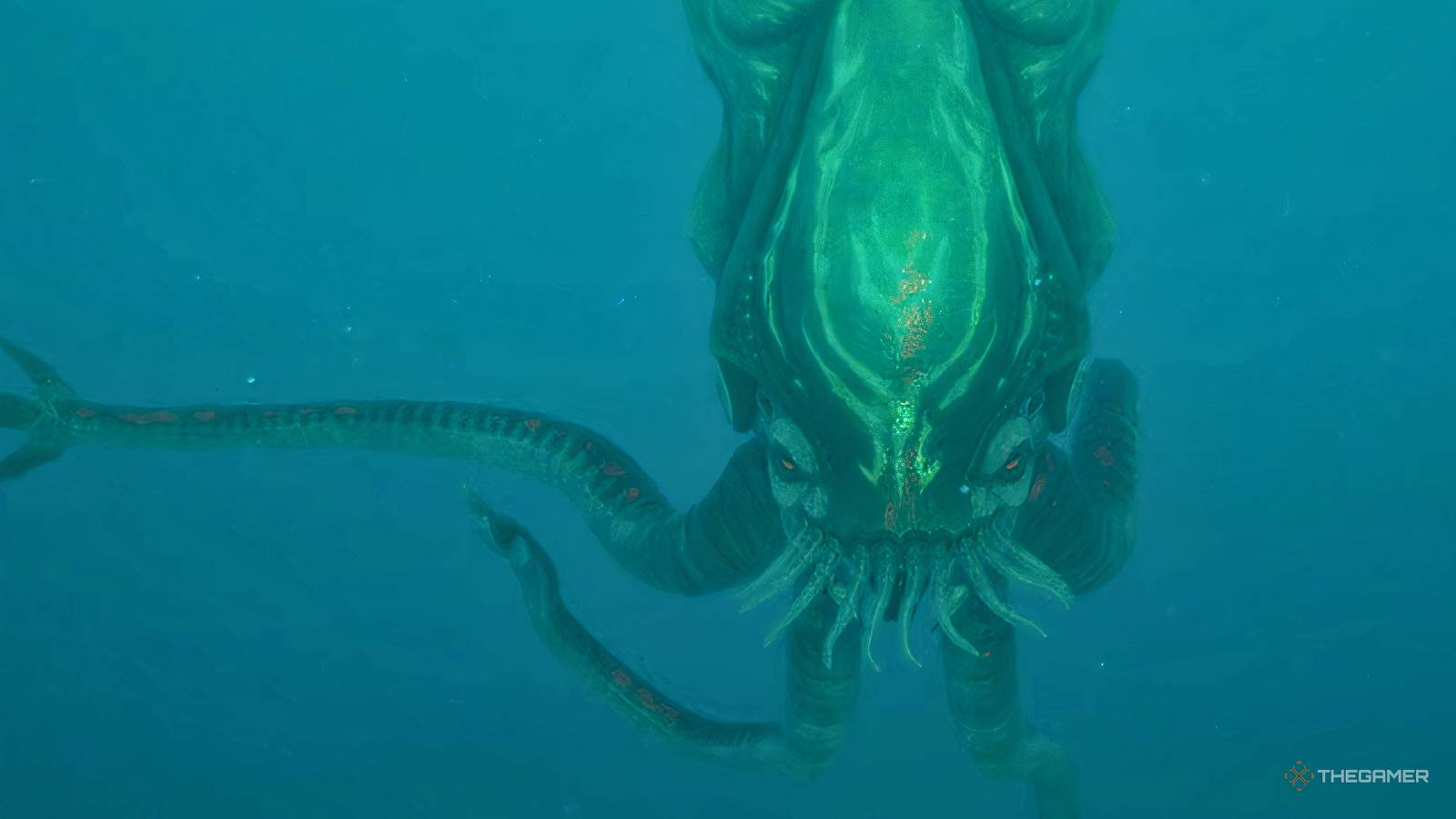
- Game: Subnautica 2
- Developer: Unknown Worlds Entertainment
- Platforms: PC, PlayStation 5, Xbox Series S/X, Nintendo Switch
- Core Mechanic: Biomod customization
Learning how to unlock every biomod in Subnautica 2 is essential for players aiming to adapt their Pioneer suit to the harsh underwater environments of the game. To begin, players must access a Bio Lab Station at the Welcome Center or construct one within their own base. By utilizing the Bioscanner, you can scan various marine creatures to earn new modifications. These upgrades are categorized into active and passive biomods, allowing for specialized loadouts that assist in survival. As we have monitored in our coverage at In Game News, understanding these mechanics early is key to navigating the deeper, more dangerous regions of the map.
How To Unlock Every Biomod In Subnautica 2: Quick Steps
- Locate the Bio Lab Station at the Welcome Center or build one at your base.
- Acquire the Repair Tool to access the Cicada Wreck in the Alien Ruins.
- Scan the Modification Station and Bioscanner fragments found within the wreck.
- Construct the Modification Station at your base to upgrade your standard scanner into a Bioscanner.
- Scan required marine life with the Bioscanner to unlock specific biomod blueprints.
- Equip your chosen active and passive biomods at a Bio Lab Station.
Understanding Active and Passive Biomods
In Subnautica 2, biomods function as specialized equipment upgrades for your Pioneer suit. You start the game with two active and two passive biomods already available. Active biomods are those that require a manual input from the player to engage, providing situational advantages during exploration or combat. In contrast, passive biomods operate automatically, offering constant environmental or physical bonuses without needing to be toggled.
Players are limited to selecting only one active and one passive biomod at any given time. This restriction forces you to consider your current objectives before heading out into the ocean. If you find yourself in an area with aggressive fauna, you might prioritize a defensive active biomod, whereas long-distance scouting might favor a passive mobility or efficiency mod. You can swap these configurations at any time by visiting a Bio Lab Station, making it a central hub for your survival strategy.
Where To Find The Bio Lab Station And Bioscanner
The Bio Lab Station serves as the primary interface for managing your biomods. While you can find one at the Welcome Center, it is highly recommended to build one at your own base for convenience. To do this, you must first locate the blueprints for the station and the necessary tools. The most reliable location for these items is the Cicada Wreck, situated within the Alien Ruins.
Accessing the interior of the Cicada Wreck requires a Repair Tool to fix the damaged door. This location is also significant because it contains Iso's Blackbox, a key story item that players are naturally guided toward during the campaign. Once inside, use your standard scanner to log the data for the Modification Station and the Bioscanner. Without these, you cannot progress beyond the starting set of biomods. For more tips on navigating these ruins, check our latest guides.
Upgrading to the Bioscanner
A critical point of confusion for many players is the limitation of the standard scanner. While the standard scanner is useful for gathering general data, it cannot unlock new biomod blueprints. You must build a Modification Station at your base to upgrade your standard scanner into the specialized Bioscanner. This device is the only tool capable of registering the specific biological data required to unlock new suit modifications.
It is important to note that any marine life you scanned with your standard scanner prior to obtaining the Bioscanner will need to be scanned again. The game requires the specific biological signature data that only the upgraded tool can capture. Plan your exploration routes to revisit common habitats once you have the Bioscanner in your inventory to ensure you do not miss out on vital upgrades.
Managing Your Subnautica 2 Biomod Upgrades
As of 2026, Subnautica 2 remains in Early Access, meaning the current system for biomod management may see future adjustments. Currently, the balance between active and passive mods is designed to encourage players to specialize their gear rather than relying on a single 'all-in-one' build. Because you can only have one of each type equipped, the game rewards players who take the time to scan a wide variety of creatures to expand their options.
The process of unlocking these mods is tied to the exploration of the map's diverse biomes. Since different creatures inhabit different regions, you will need to travel extensively to complete your collection. Keep an eye on your inventory space, as gathering materials for both base building and tool crafting is just as important as scanning the local wildlife. By maintaining a well-stocked base with a functional Bio Lab Station, you ensure that you are always prepared for the next stage of your underwater journey.
Frequently Asked Questions
How do you unlock new biomods in Subnautica 2?
You unlock new biomods by scanning specific marine life using a Bioscanner, which requires a Modification Station to craft.
Where can I find the Bio Lab Station in Subnautica 2?
The Bio Lab Station is located at the Welcome Center, though you can also build one at your own base once you have the necessary blueprints.
What is the difference between active and passive biomods?
Active biomods require the player to manually trigger them during gameplay, whereas passive biomods provide constant benefits without requiring a manual input.
Unknown Worlds Addresses Subnautica 2 Creature Encounter Design in 2026Adventure
Subnautica 2 Update 2026: Silver Ore Spawn Rates and Callouts AddressedAdventure
Subnautica 2 Outpaces Crimson Desert as Fastest-Selling Game of 2026Adventure
Subnautica 2 Devs Apologize For Ignoring Feedback And Aggressive Enem...