
Is 360Hz the Sweet Spot for Counter-Strike 2 in 2026?
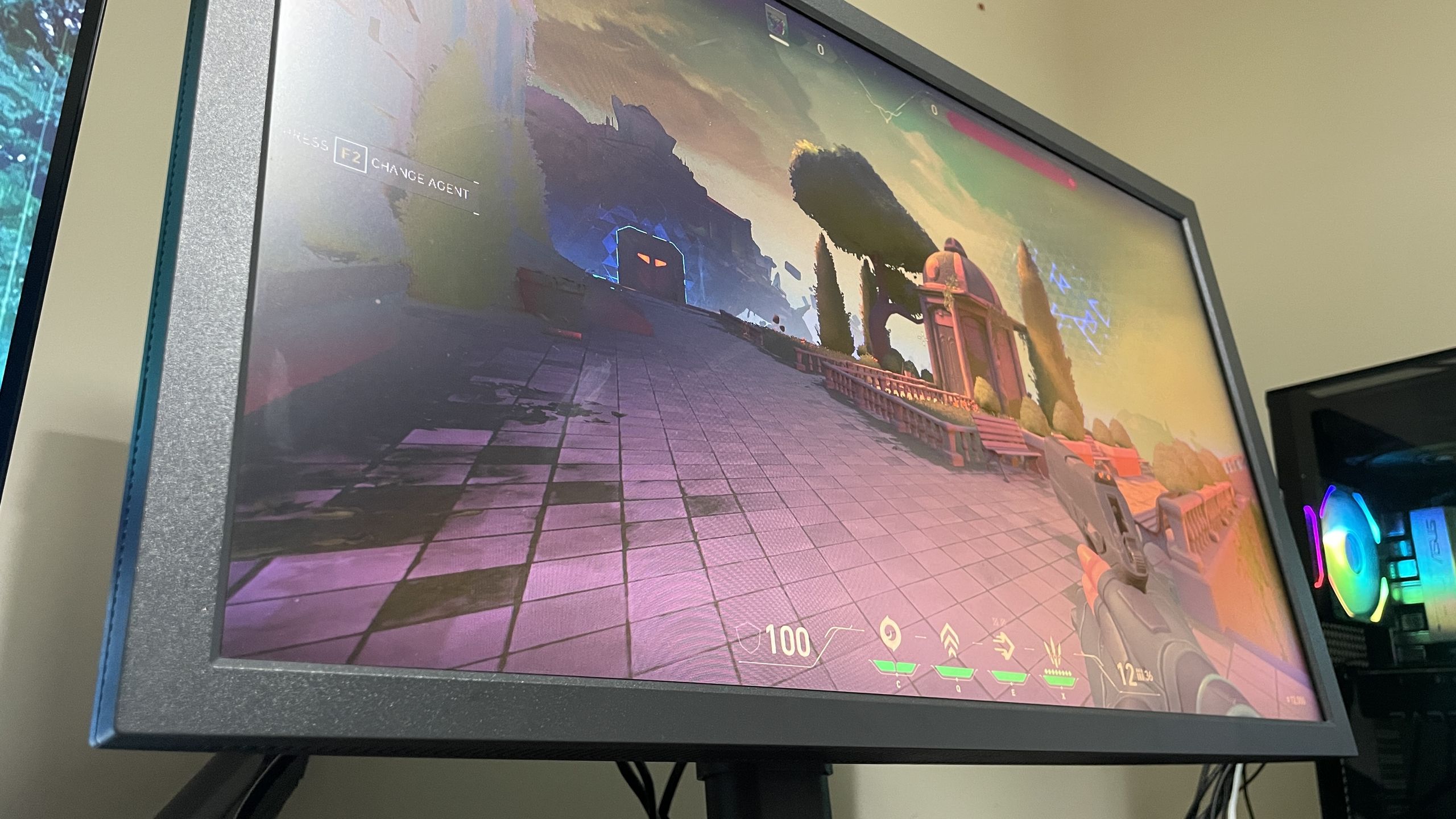
If you have been gaming as long as I have, you might remember the old myth that the human eye cannot see above 60 frames per second. We moved past that hurdle years ago, but in the world of competitive shooters like Counter-Strike 2, a new debate has emerged: where exactly do we hit the point of diminishing returns? After spending time testing high-refresh monitors ranging from 144Hz up to 600Hz, I’ve found that the answer is more nuanced than simply buying the fastest screen on the market.
- Key Finding: 360Hz is the current sweet spot for competitive play.
- Latency Tip: Uncapped frame rates outperform capped frame rates for lower input lag.
- Diminishing Returns: Improvements beyond 360Hz are significantly less noticeable than the jump from 144Hz to 240Hz.
- Hardware Tested: Zowie XL2586X+ and Alienware AW2525HM.
The Refresh Rate Hierarchy
My testing with the Zowie XL2586X+ and the 320Hz Alienware AW2525HM revealed a clear progression in how Counter-Strike 2 feels. Moving from 144Hz to 240Hz provides a massive, immediately noticeable improvement to the gameplay experience. Stepping up again from 240Hz to 320Hz or 360Hz is certainly worth the extra cost for the added clarity and smoothness, but it didn't necessarily result in me playing better in terms of my competitive rank.
Once you push beyond 360Hz—up to 600Hz, for example—the experience feels incrementally better, but the jump is nowhere near as impactful as the move from 144Hz to 240Hz. For most players, 360Hz is the point where you should consider your budget before pushing for higher numbers.
Latency and Frame Rate Management
Using an Nvidia Latency and Display Analysis Tool (LDAT), I measured the end-to-end latency between a mouse click and the appearance of a muzzle flash in CS2. The results suggest that the differences between these ultra-high refresh rates are often sub-millisecond and fall within the margin of error.
What mattered more was how frames were managed. My testing on the Alienware AW2525HM showed that keeping your frame rate uncapped—provided your system can exceed your monitor's refresh rate—consistently yields lower response times than capping the frame rate. While enabling VRR (FreeSync Premium) is great for preventing screen tearing, it didn't lower input latency in my tests.
Final Thoughts for Competitive Players
If you are on a strict budget, 240Hz remains a fantastic floor for Counter-Strike 2, and you should avoid dropping below 144Hz. However, if you are looking to upgrade, 360Hz is my recommended sweet spot. Younger pro players might derive more utility from that extra headroom, but for the average enthusiast, the law of diminishing returns hits hard once you move past that 360Hz threshold. Ultimately, the best monitor for you is one that balances your budget with a refresh rate your system can actually sustain, as all the refresh rate in the world won't help if your PC can't pump out enough frames to keep up.
Counter-Strike 2 Cologne Major Sticker Set Price Reaches $20,000 in 2026Counter-Strike 2
Counter-Strike 2 Update April 2026: Cache Returns and ANIMGRAPH 2 Upd...Counter-Strike 2
Counter-Strike 2 Cache Returns: Official 2026 Map Update DetailsCounter-Strike 2
Counter-Strike 2 Cache Map Redesign: Official 2026 Update Details