
The Smartest Gaming PC Upgrades In 2026: A Performance Guide
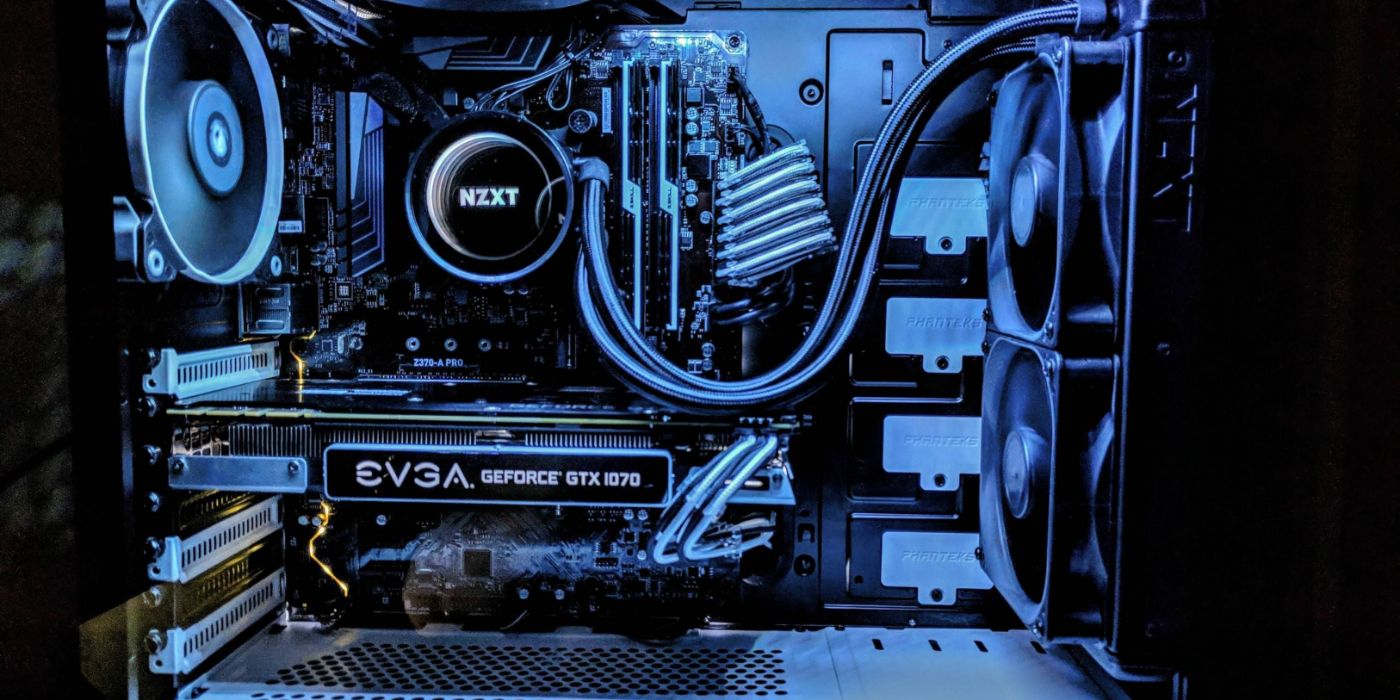
- Topic: Gaming PC Upgrades
- Year: 2026
- Focus: Hardware optimization and performance
- Platform: PC
The smartest gaming PC upgrades in 2026 focus on balancing thermal management, storage throughput, and processing power to ensure your machine meets the demands of modern software. By prioritizing specific hardware improvements, players can extend the lifespan of their systems without needing a complete rebuild.
To optimize your PC effectively, follow these primary steps:
- Assess current thermal performance and cooling efficiency.
- Evaluate storage speeds to minimize asset streaming issues.
- Balance GPU output with monitor refresh rates.
- Monitor CPU utilization to identify potential bottlenecks.
1. Thermal Management and Cooling Efficiency
Maintaining optimal temperatures is the foundation of hardware longevity. In 2026, the focus has shifted toward high-airflow chassis designs and advanced liquid cooling loops. Even high-end components will face performance degradation if they are allowed to reach thermal limits, as modern silicon automatically downclocks to prevent damage.
We recommend checking your fan curves and ensuring that your case airflow is not obstructed. For users running high-wattage components, transitioning to a case with better intake ventilation or upgrading to a larger radiator can provide an immediate boost in sustained clock speeds. At In Game News, we emphasize that consistent temperatures lead to more stable frame times, which is more important for competitive play than raw peak performance.
2. Storage Throughput and NVMe Integration
Storage is no longer just about capacity; it is about how quickly assets can be fed to your graphics card and processor. In 2026, the industry standard has moved firmly toward high-speed NVMe solid-state drives. If your operating system or games are still running on older mechanical drives or early-generation SATA SSDs, you are likely experiencing significant latency during asset loading.
Upgrading to a Gen5 NVMe drive can drastically reduce pop-in and stuttering in open-world titles. When selecting a drive, check your motherboard specifications to ensure it supports the latest PCIe generation to avoid limiting your hardware's potential. This is a common oversight that we often cover in our hardware news coverage.
3. Balancing GPU and Display Output
The relationship between your graphics card and your monitor is the most visible aspect of your gaming experience. In 2026, the goal for many players is to achieve a consistent frame rate that matches the refresh rate of their display. If you are playing at 4K resolution, your GPU remains the primary point of failure for performance drops.
However, if you are playing at 1080p or 1440p, your CPU might become the limiting factor. Before purchasing a new GPU, verify that your current power supply unit (PSU) can handle the increased load. A high-quality power supply is a long-term investment that protects your other components from voltage fluctuations.
4. Addressing CPU Bottlenecks
A powerful GPU is useless if your processor cannot keep up with the game logic and physics calculations. In 2026, CPU requirements have increased due to more complex game engines. If you notice high CPU usage while your GPU usage remains low, you are likely facing a bottleneck.
Upgrading your CPU often requires a new motherboard and potentially new memory modules. For those looking to optimize their current platform, ensure your BIOS is updated to the latest version to take advantage of microcode improvements. You can find more details on system maintenance in our PC gaming guides.
Frequently Asked Questions
Below are common inquiries regarding hardware improvements for the current year.
What are the most effective PC upgrades for gaming in 2026?
The most effective upgrades involve prioritizing high-speed NVMe storage for load times and ensuring your GPU and CPU cooling solutions are optimized to prevent thermal throttling.
How do I know if my PC needs an upgrade?
You should consider an upgrade if your current hardware fails to maintain stable frame rates at your preferred resolution or if system latency hinders your gameplay experience.
Is a CPU or GPU upgrade better for gaming performance?
A GPU upgrade typically provides the most significant increase in graphical fidelity and frame rates, while a CPU upgrade is necessary if you are experiencing bottlenecks in processor-intensive titles.