
VRChat Guide: How to Start Playing in 2026
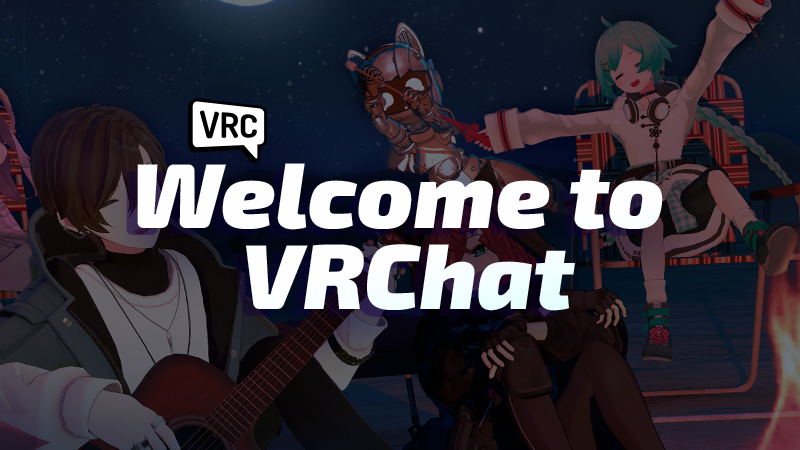
- Game: VRChat
- Developer: VRChat Inc.
- Release Date: February 1, 2017
- Supported Platforms: PC, Meta Quest, iOS, Android, Viveport, Pico
Taking your first time steps into VRChat is a straightforward process that grants you access to a vast social platform filled with millions of user-generated worlds and avatars. As we look at how to start playing VRChat for beginners 2026, it is important to understand that the platform is designed to be accessible across a wide range of hardware, from high-end VR setups to standard desktop computers.
To begin your journey, follow these primary steps:
- Visit the official VRChat website to create your account.
- Download the client via your preferred platform store, such as Steam or the Meta Quest store.
- Log in using your account credentials to sync your data.
- Explore the world menu to find public instances or join community-run groups.
- Customize your avatar and adjust your comfort settings for the best experience.
Understanding Platform Compatibility and Access
Many new users often ask: is VRChat free to play on PC and Meta Quest? The answer is yes. The base experience is available at no cost on PC via Steam, Viveport, Meta Quest, Pico, iOS, and Android. Because the game is cross-platform, you can interact with friends regardless of the hardware they are using. If you have friends already on the platform, you can connect your Discord account to easily find them within the game, or search for them by their unique usernames.
For those wondering can you play VRChat without a VR headset, the answer is a definitive yes. Desktop mode allows users to enjoy the full suite of social features, voice chat, and world exploration using only a mouse and keyboard or a gamepad. You do not need a high-end PC to participate, as the game provides various settings to ensure a comfortable experience on different hardware configurations. For more information on platform updates, check our gaming hardware coverage.
Customization and Content Creation
One of the most defining aspects of the game is that nearly all content is produced by the community. If you are interested in how to create your own worlds and avatars in VRChat, the developers provide extensive documentation to help you get started. By using the official Creator Documentation, you can learn the necessary tools to build environments or design custom avatars that reflect your personal style. This open approach to development ensures that the library of content continues to grow daily.
While the game is free, there is an optional service for those who want more utility. When asking what is included in the VRChat VRC plus subscription, the answer is a set of quality-of-life improvements. The VRC+ subscription provides users with extra favorite slots for saving your preferred avatars and worlds, additional profile customization options, and other account-specific perks. It is entirely optional and not required to enjoy the core social features of the platform.
Safety, Moderation, and Community
Maintaining a positive environment is a priority for the development team. If you encounter users who are behaving poorly, the platform provides built-in tools such as block and mute to manage your interactions immediately. The Trust and Safety team actively monitors the platform and handles reports regarding offensive behavior or rule-breaking.
For a more curated experience, we recommend joining a Group. Groups are community-run organizations that manage their own instances, allowing you to interact with like-minded individuals in a moderated space. This is often the best way for newcomers to find a consistent social circle. For further insights into community management, refer to our community news archives.
Frequently Asked Questions
Is VRChat free to play on PC and Meta Quest?
Yes, VRChat is free to play on both PC and Meta Quest, though an optional VRC+ subscription is available for additional perks.
Can you play VRChat without a VR headset?
Yes, you can play VRChat without a VR headset by using a modern Windows computer, where you control your movement and camera with a mouse and keyboard.
What is included in the VRChat VRC plus subscription?
The VRC+ subscription includes extra favorite slots for avatars and worlds, profile customization options, and various other account perks.