
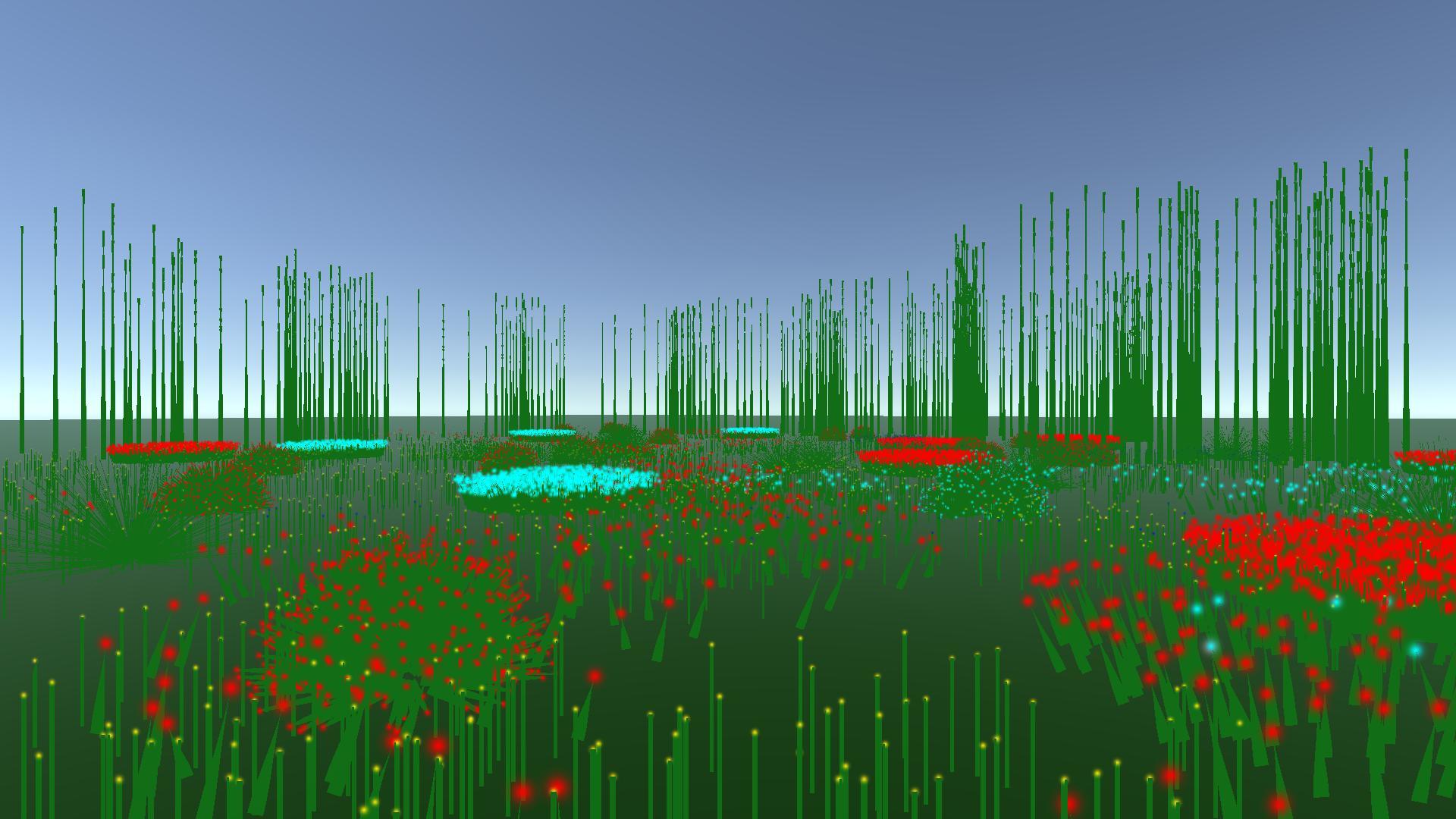
Grow A Garden’s Pet-Vanishing Glitch Is a Game-Breaker: How to Protect Your Collection
Bottom Line Up Front: A critical inventory bug in Grow A Garden is causing players to lose pets permanently during the hatching process. To avoid losing rare pulls, ensure your backpack has open slots before hatching and always maintain screenshot evidence of your high-value pets for Discord support tickets.
We’ve seen this story before. From the early days of Pet Simulator to various tycoon-style titles on Roblox, inventory management bugs are the quickest way to kill a game’s momentum. Currently, Grow A Garden players are reporting that their hard-earned raccoons and rare pets are effectively being deleted upon birth. This isn't a "lightning strike" mechanic or a hidden feature—it’s a technical oversight that the community needs to navigate carefully until a hotfix rolls out.
The Inventory Cap Trap
Our analysis of the situation points to a classic "overflow" error. Most modern Roblox titles include a safety check that prevents you from spending currency if your inventory is full. Grow A Garden is currently missing this QoL (Quality of Life) feature. If you hatch an egg while your backpack is at its limit, the game processes the "spend" but fails the "transfer." The result? You lose your currency, and the pet vanishes into the ether.
This is a massive oversight for any game relying on a pet-based meta. If you're min-maxing your garden, a lost rare pet isn't just a minor annoyance—it’s hours of wasted progression.
Prevention and Recovery Protocol
Until the developers implement a proper inventory check, we recommend following this strict protocol to safeguard your progress:
- The Pre-Hatch Purge: Never approach an egg with a full inventory. Sell off common "trash" pets to create at least 2-3 buffer slots.
- The "Paper Trail": Take a screenshot of every high-tier pet you own. If the pet disappears, the developers on the official Discord are much more likely to reinstate your items if you have visual proof of ownership.
- The Server Hop: If a pet seems missing, don't panic immediately. Sometimes the UI fails to sync. Exit the game and rejoin a fresh server to force an inventory refresh.
The Disappearing Pet Checklist
| Action | Why It Matters |
|---|---|
| Clear Backpack Space | Prevents the "Hatch-and-Delete" overflow bug. |
| Screenshot Valuables | Provides "Proof of Work" for Discord bug reports. |
| Join the Official Discord | The only direct line to devs for item restoration. |
| Server Refresh | Fixes minor UI desync issues. |
We believe this issue highlights a broader problem with many emerging Roblox titles: the lack of robust inventory failsafes. In our experience, games that don't respect the player’s time or "pulls" quickly lose their player base to more stable competitors. If you’ve lost a pet, your only real recourse is the bug report channel in their Discord. Be professional, provide your screenshots, and hope for a manual restoration.
Stay vigilant, keep your inventory clean, and don't let a bad line of code ruin your grind.