
How to Create and Join Guilds in Roblox: Grow a Garden 2
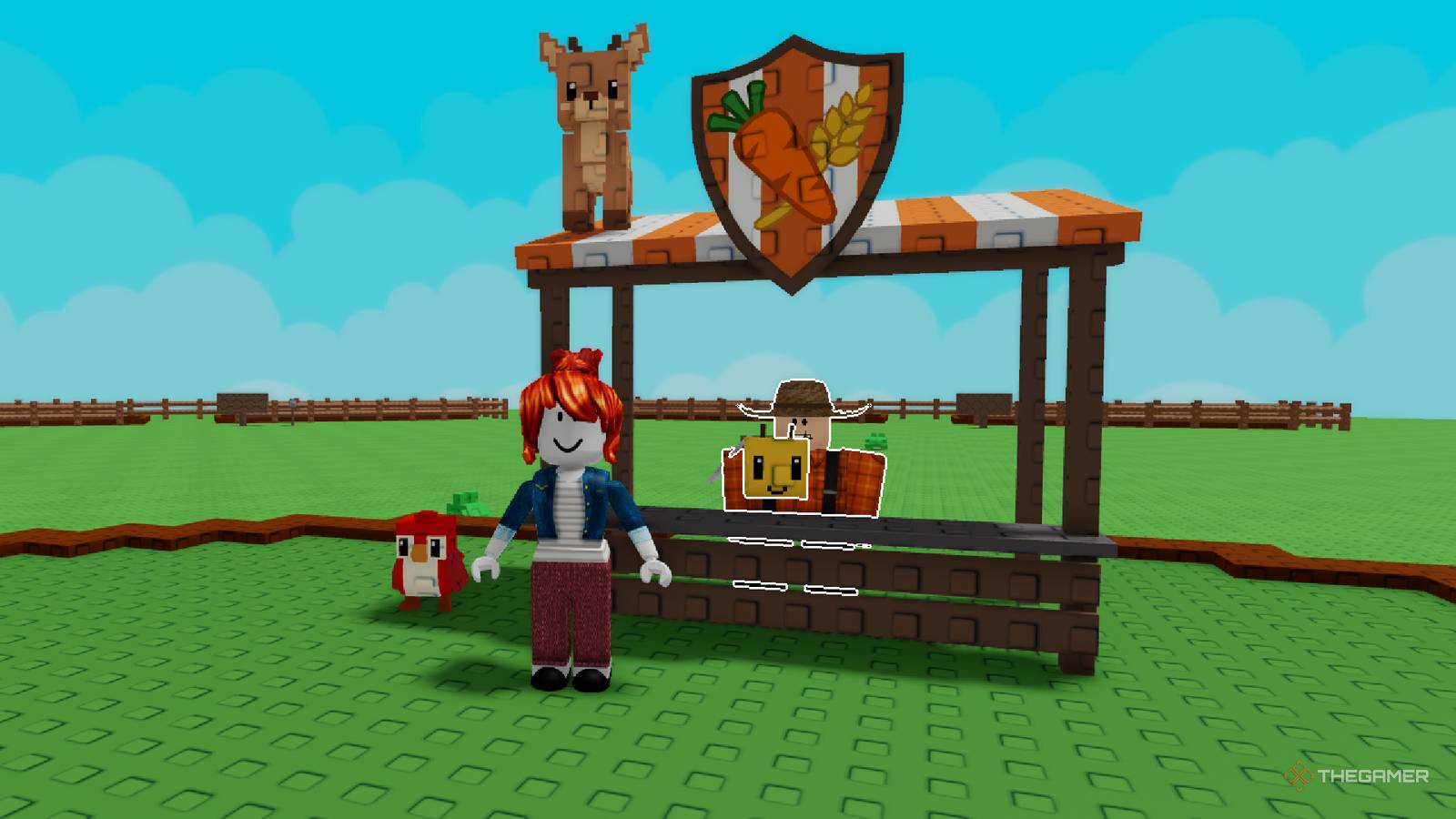
One of the biggest additions in Roblox: Grow a Garden 2 is the introduction of Guilds. This social feature allows you to build a community and earn exclusive rewards by working together with other players. Whether you are looking to start your own group or join an existing one, here is everything you need to know to get started.
How to Create or Join a Guild
If you want to start your own community, head to the center of the map and speak to Gilbert at the Guild Stand. Creating a guild costs 99 Robux. Once you pay the fee, you will need to choose a name, a tag, and write a description for your group. You can return to Gilbert at any time to edit these details.
Joining a guild is a straightforward process, though it requires an invitation. If you are looking to join a specific group, you will need to ask an existing member to invite you. Owners and Elders can send invites by accessing the guild menu at the Guild Stand; once invited, the notification will appear in your mailbox, where you can choose to accept or decline.
There are three tiers of roles within a guild:
- Owner: The founder of the guild. They have the ability to invite new players and promote existing members.
- Elder: Acts as an officer with the ability to invite new players. Each guild is limited to five Elders.
- Member: The standard status for players in the guild.
While members and Elders are free to leave a guild at any time, the Owner must disband or delete the guild entirely if they wish to leave.
Guild Competition and Rewards
Guilds aren't just for socializing; they are also the primary way to earn competitive rewards. Every week, there is a guild competition based on a ranking system. Points are calculated based on the weight of each member's heaviest crop—every gram counts as one point. The total guild score is the sum of every member's best plant.
Depending on your guild's rank at the end of the week, you can earn the following prizes:
| Ranking | Prize |
|---|---|
| #1 | 1x Huge Rainbow Ice Serpent |
| #2 | 1x Huge Ice Serpent |
| #3 | 1x Big Rainbow Ice Serpent |
| #4-10 | 1x Big Ice Serpent |
| #11-25 | 1x Rainbow Ice Serpent |
| #26-100 | 1x Ice Serpent |
| #101-1k | 25x Common Egg |
| #1k-5k | 10x Common Egg |
| #5k+ | 5x Common Egg |
Keep in mind that while your guild starts with a 20-member capacity, you can use Robux to expand your roster up to a maximum of 50 members, which may help your team climb the rankings faster during the weekly competition.