
Steam Machine 101: Everything You Need to Know in 2026
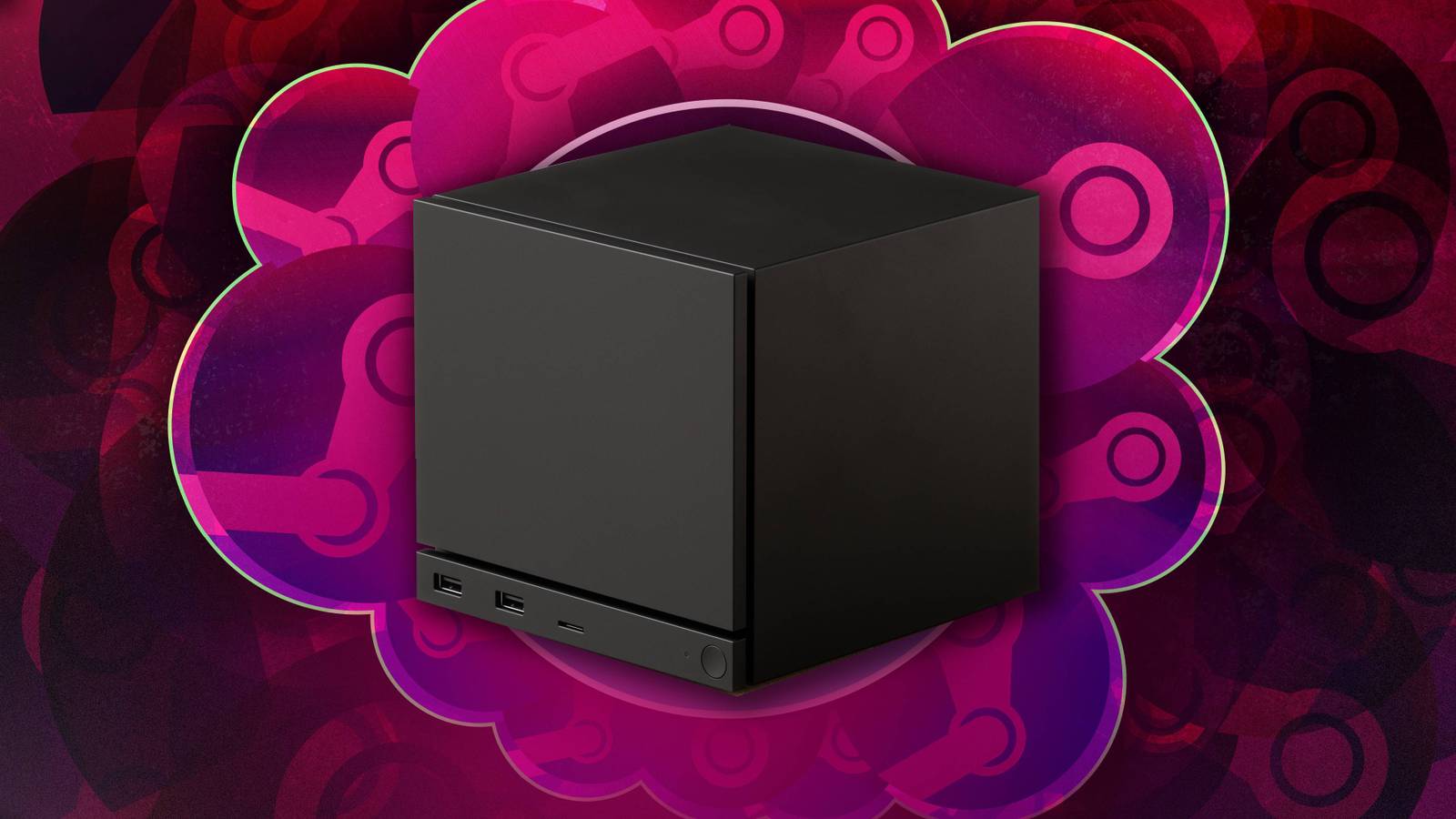
- Weight: 5.7 pounds
- OS: SteamOS (Linux-based)
- Input: Supports most standard USB/Bluetooth controllers, keyboards, and mice
- Compatibility: Checks games via SteamOS compatibility icons
Valve’s Steam Machine is designed to make PC gaming approachable for those who prefer the simplicity of a console. If you’ve been eyeing a way to get into PC gaming without diving into cooling systems or complex hardware maintenance, this compact box aims to bridge that gap.
Getting Started: Setup and Portability
The Steam Machine is surprisingly portable, weighing in at just 5.7 pounds. It is smaller than an Xbox Series X—roughly the size of a GameCube—making it easy to stash in a backpack. Setting it up is mercifully simple: plug in the provided power and HDMI cables, follow the on-screen prompts to connect to Wi-Fi, and sign in to your Steam account. In our testing, we were downloading and playing games within one minute of the initial sign-in.
Game Compatibility and Performance
While you can access your entire Steam library, remember that the Steam Machine is not a high-end gaming PC. Massive, demanding titles may not run as smoothly as they would on a PS5 Pro. Valve provides a helpful guide for compatibility: look for the blue SteamOS icon next to game info to verify if a title is supported. If you see a circle with a diagonal line, the game is not optimized for the machine. Be aware that some titles using specific anti-cheat systems, such as Destiny 2, will not run on SteamOS.
Controllers and Peripherals
You don't need a Steam Controller to play, though bundles including one are available. Most standard Xbox and PlayStation gamepads work out of the box via Bluetooth or wired connection. If you find a game that doesn't support a controller—such as certain grand strategy titles—the system supports keyboard and mouse input, which can be plugged in immediately.
Desktop Mode and Advanced Features
Because the Steam Machine runs on Linux, it can function as a desktop computer. While this mode is useful for tasks like sending emails, we wouldn't recommend it as a full replacement for your primary PC. Modding is possible, but it requires familiarity with Linux, so it's best to start with simple mods before attempting complex overhauls like those found in Skyrim.
Regarding third-party apps like the Epic Games Store or streaming services like Netflix, the experience is less streamlined than on a console. These apps often require navigating to desktop mode or using third-party tools to function, which can be a fiddly process compared to the plug-and-play feel of the gaming interface. We are continuing to test the device and will provide updates as we uncover more about its capabilities.
Valve: Supply Chain Issues, Not Pricing, Caused Steam Machine DelaysAnalysis
Steam Machine Release Date 2026: Price Analysis and Hardware SpecsPC Gaming
Leak Suggests There Will Be Four Different Ways To Buy A Steam Machin...Games For Everyone
Games For Everyone Announces Episode 2: Steam Frame Timing and GDC 20...